 COME
COMECOME OTP delay versus a connection problem
A missing verification message and a screen that cannot connect are different symptoms. Identify which one you have before repeating the action.
Check the request stage
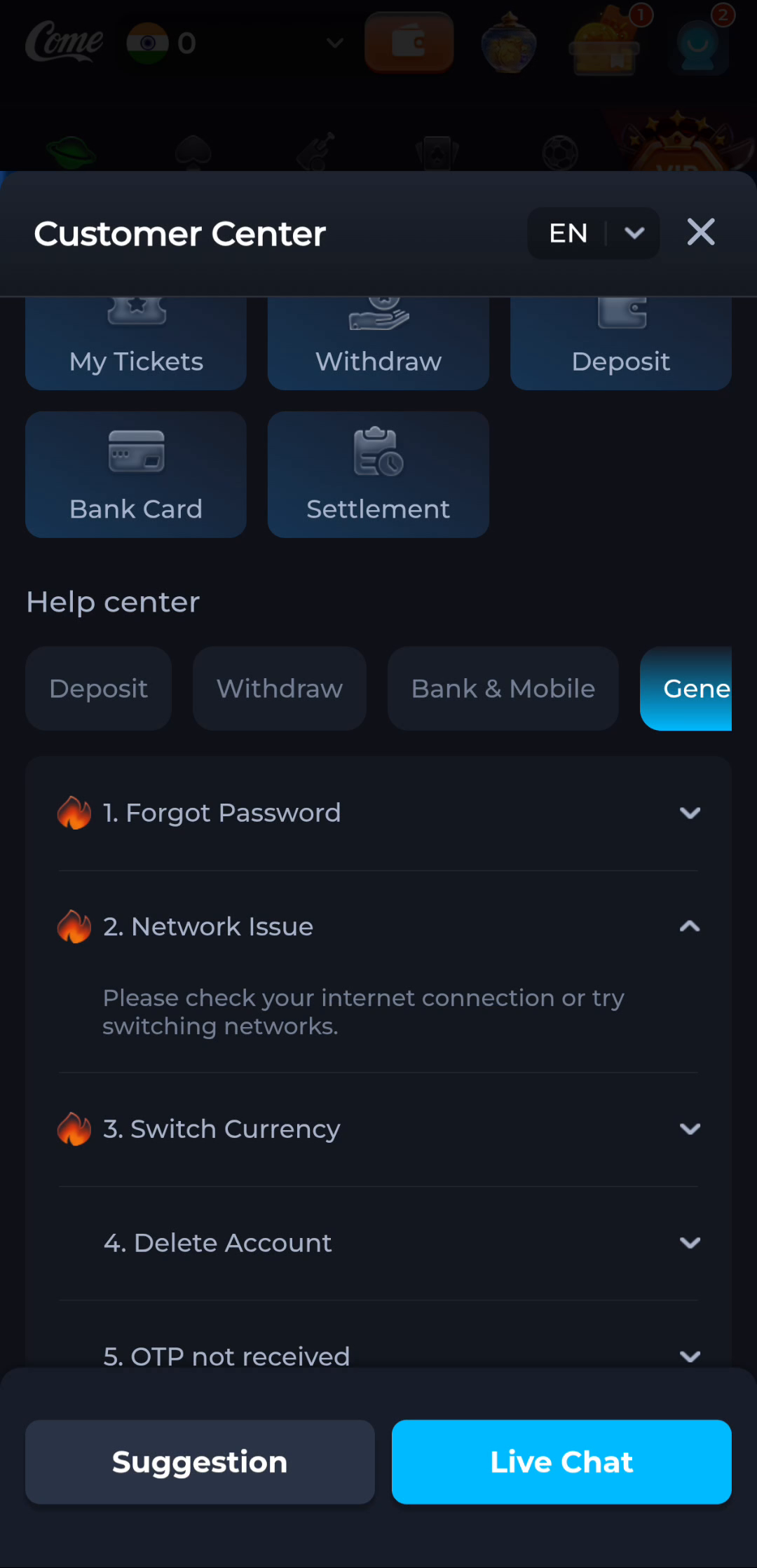
Read whether the service says a code was requested or whether the request itself failed. The OTP help topic concerns receipt of a message, while Network Issue guidance concerns connectivity. Do not assume that every absent code is a download problem.

Use the current instructions
Check the intended receiving method and the normal message view. Follow the service's current retry timing rather than repeatedly pressing the request button. Never provide a code to someone who contacts you unexpectedly.
Report without the code
If help is needed, give the request time and exact symptom, not the OTP or password. Avoid changing the app installation while a verification task is unresolved unless there is a clear reason.
A useful next step
Continue through the current account-verification route once the failed stage is identified.